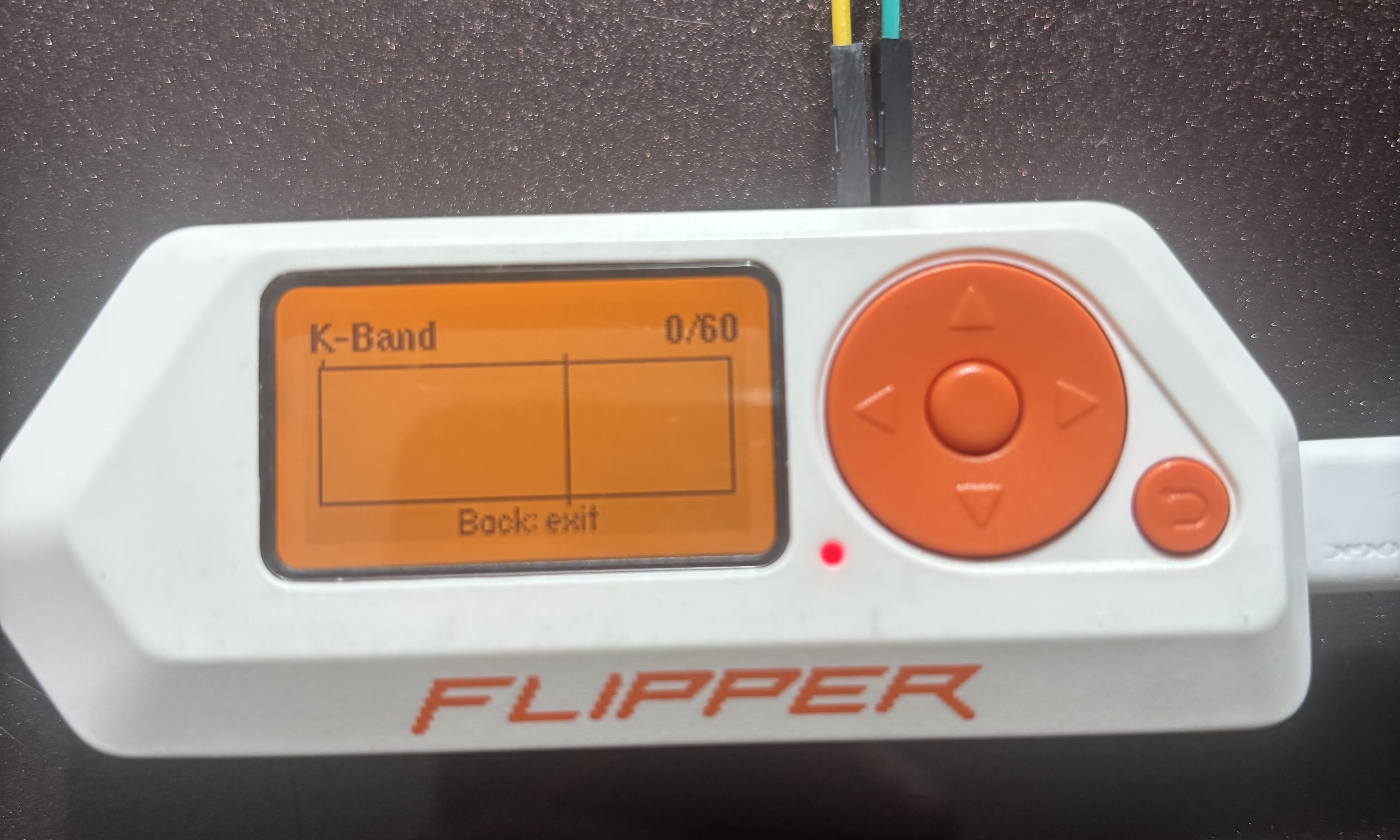
March 3, 2026 · In progress · Rev A hardware bring-up complete
This is an in-progress project to build a K-band radar detector that plugs into a Flipper Zero as an expansion module. The idea: use a real 24 GHz Doppler radar front-end to detect the kind of K-band radar that police speed guns emit, and expose the results through a Flipper app.
Traffic radar in the US mostly lives in two microwave bands: X-band (~10.5 GHz, mostly legacy) and K-band (~24.125 GHz, most speed guns).
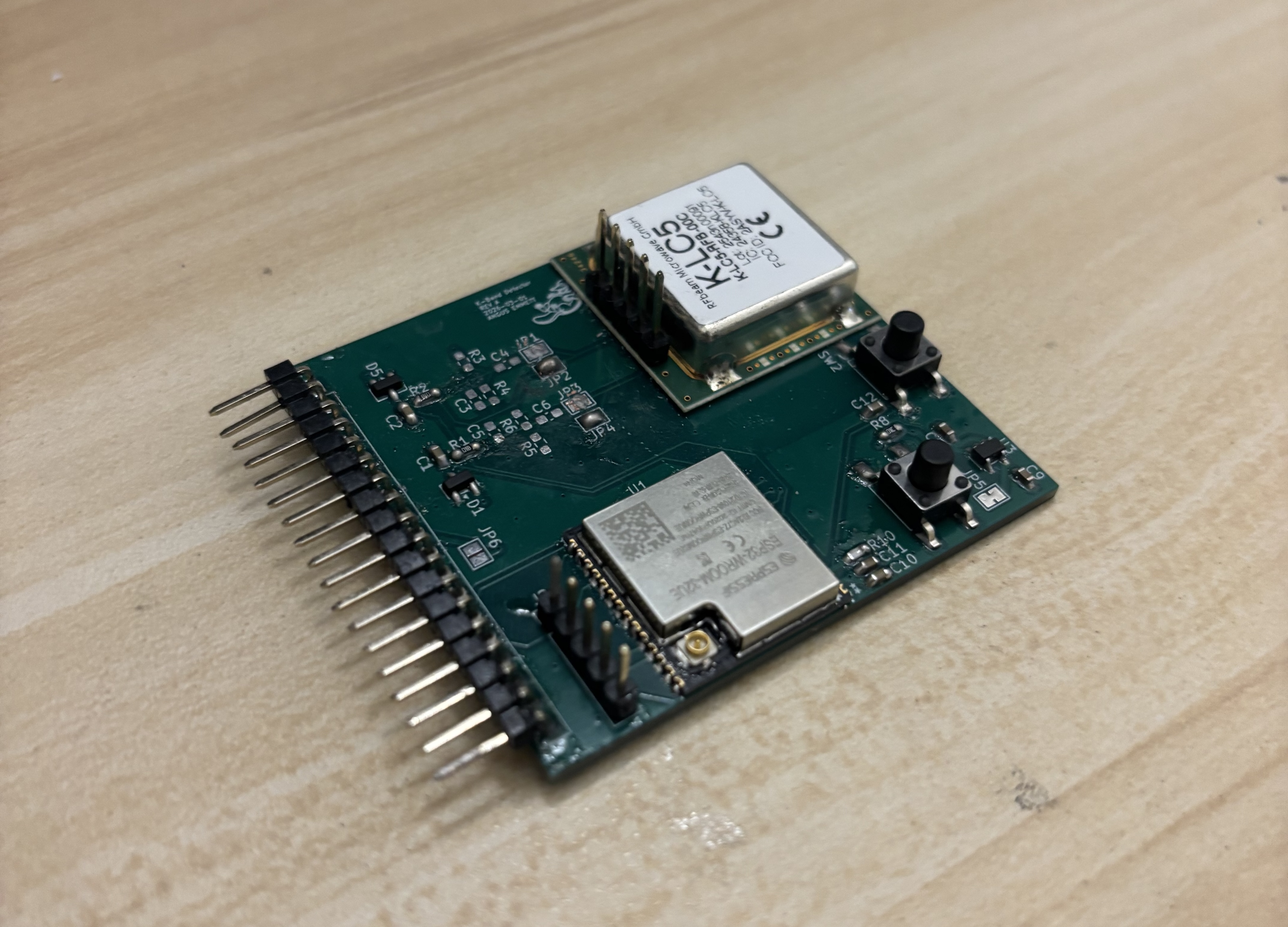
The module is a small PCB that sits on the Flipper's GPIO header. There are two chips that matter:
Between the K-LC5 and the ESP32 there's a small analog front-end on each channel:
The Flipper talks to the expansion board via UART to ESP32 GPIOs.
They're both sinusoids at the same Doppler frequency. So why 2 signals? The answer is that a single signal can't distinguish an approaching target from a receding target. The frequency looks identical either way. You need the phase relationship between I and Q, and you only get a phase relationship if you have two signals 90° apart.
In the animation below, a target slides toward and away from the antenna. The I/Q plane on the left plots one signal against the other. Watch the rotation direction flip the moment the target starts to move away from the antenna. Either waveform on the right, taken alone, looks exactly the same whether the target is approaching or receding. But which one leads is opposite.
Rev A of the PCB is assembled and powered up. The ESP32 boots, flashes over the programming header, and I've confirmed it can talk to the K-LC5 and see the I/Q baseband come through on its ADCs. So the hardware path works end to end. Radar front-end, bias network, filtering, ADC sampling.